
Features
Built to fit the hands
you already have
Trigger it however suits you — a keyboard shortcut or the side buttons on your mouse — and it lands clean, every app, every time. The core app is free forever. Pro adds the power modes.
Hold your trigger — your way
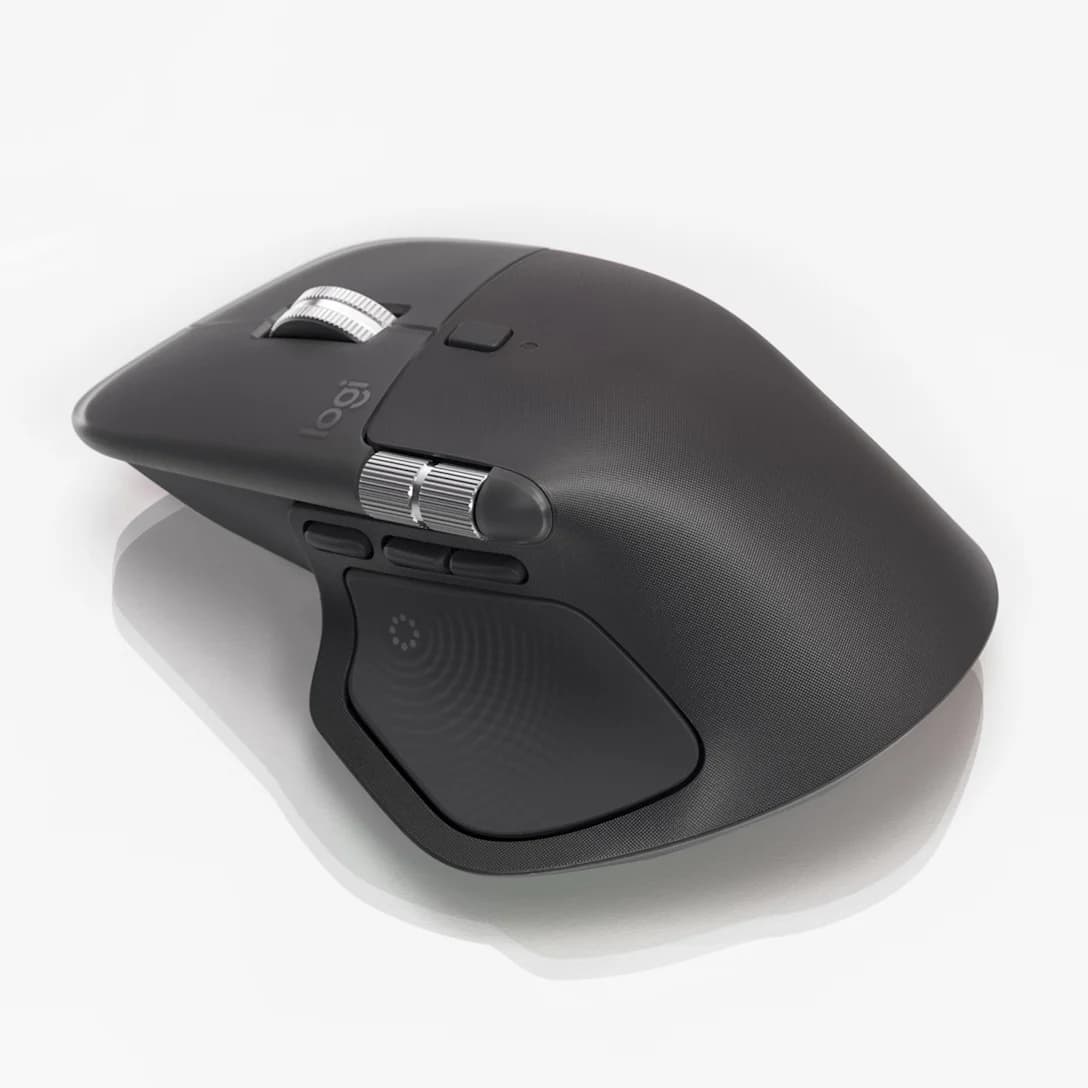
Bind a keyboard shortcut, a modifier-only combo, or any of the extra buttons on a Logitech MX mouse. Pair with an MX Master and you can dictate, preview and live-type without ever touching the keyboard.
 123
123Press and hold a side button, talk, release — text lands at your cursor.
Watch the transcript build inside the pill before it lands.
Words form in your document as you speak, revisions and all.
Any mouse button is bindable
Mouse buttons work best with Logi Options+ quit — Talk and Type reads them directly.
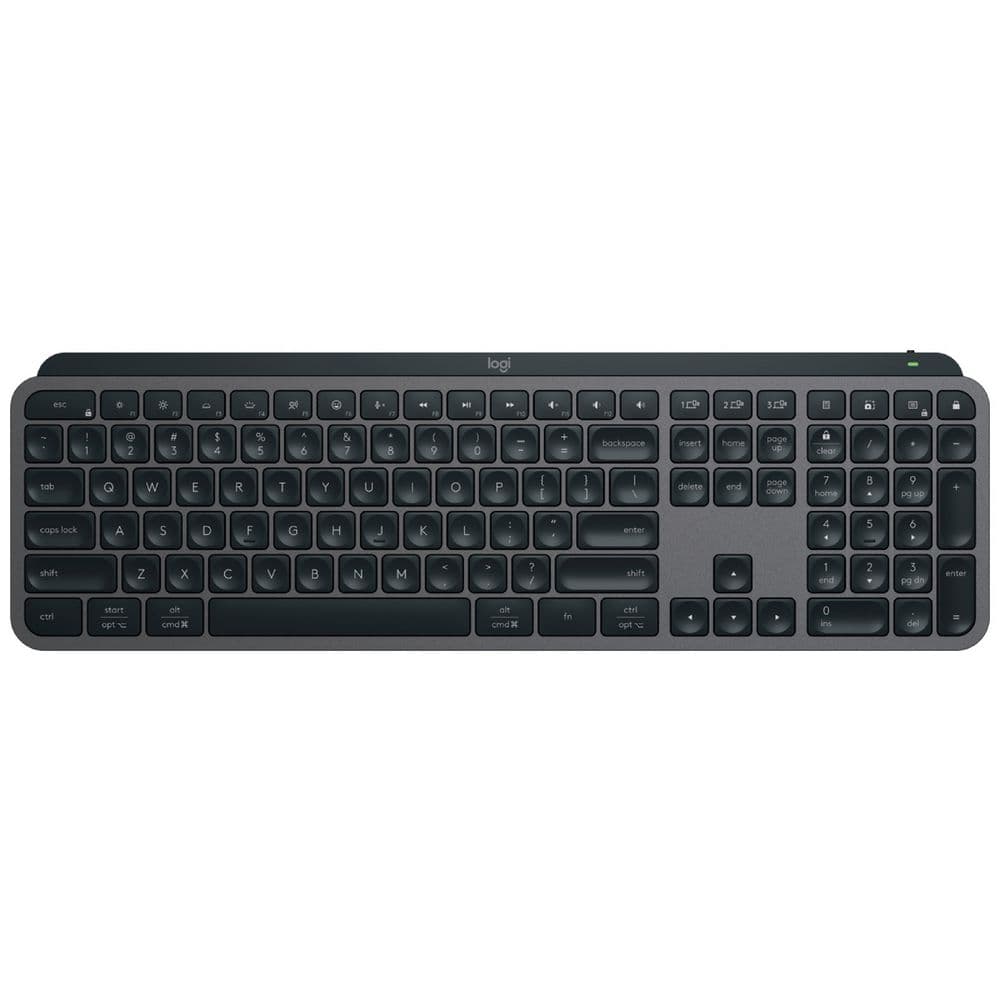
Prefer the keyboard?
Bind ⌥ Space — or any shortcut, including modifier-only combos. Hold to talk, release to insert. ESC cancels, always.
Type anywhere
FreeIt lands, every time, in every app.
Browsers, email, Slack, docs, code editors — even the terminal. Text appears at your cursor with no per-app setup and no flaky paste failures on long dictations.
A polite little pill.
The floating status pill shows listening and working states with a live waveform — never a screen takeover.
On your Mac, full stop.
Powered by Parakeet by NVIDIA on the Neural Engine, with Whisper by OpenAI as an alternative — all on your Mac, none of it in the cloud. Nothing is uploaded, so it works on a plane and leaks nothing.
It cleans up after you
FreeSpeak like a human, read like a writer.
Filler words removed, punctuation and capitalisation handled, spoken lists become real lists.
Spoken punctuation, if you want it.
Say “comma”, “new line”, “dash” and it obeys — or turn it off entirely.
You control how much it tidies.
Every cleanup rule is a toggle. It never rewrites your meaning — tone rewriting arrives later, and only ever as an explicit opt-in.
It knows your words
FreeYour dictionary, your jargon.
Names, products, technical terms — spelt right every time.
It learns as you correct.
Fix a word in History and it offers to remember it. Learning happens on your Mac, nowhere else.
Snippets.
Say a cue phrase, insert a whole saved block — addresses, sign-offs, boilerplate.
Your words are yours
FreeLocal, searchable history.
Every dictation kept on your Mac — search it, re-paste it, delete it.
Export everything as markdown.
One click turns any dictation into a clean .md file — feed it to your own AI, your notes app, your repo. Your data is never hostage.
Drop in an audio file.
Drag a recording onto Talk and Type, get a transcript.
Coming soon
Coming soonTone transforms
Select any text, in any app — rewrite it in your voice: professional, casual, tighter. Taught by you, not trained on you.
Transform and read
“Simplify this and read it to me” — genuinely useful for dyslexic readers and dense documents.
Accessibility
For some people, this is the whole product
Talk and Type is built to be genuinely useful when typing is hard or focus is scattered: dictate anywhere on the Mac, instant ADHD-friendly capture on iPhone (coming), and dyslexia-friendly read-back (coming). Predictable behaviour and a custom vocabulary aren’t nice-to-haves for everyone — for some people they’re the difference between using a computer comfortably and not.
Still deciding?
See how it compares
An honest side-by-side with the other Mac dictation apps — including the rows where one of them beats us. Checked against each vendor’s own pages.
Start free — stay free. Forever.
No word caps. No trial that expires. No free-plan tricks. The core app is free for good.